Skip to content
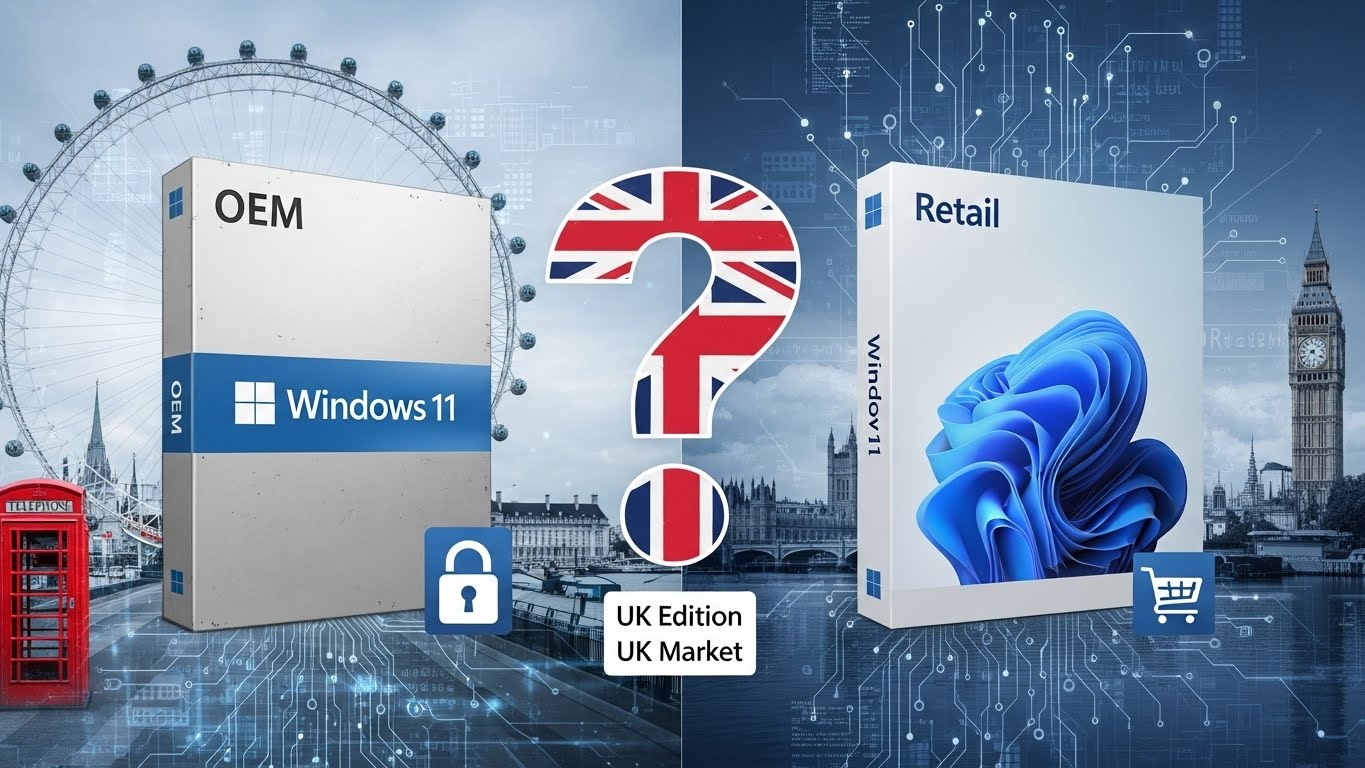
If you’re planning to buy Windows 11, you’ll quickly notice two main licence types: OEM and Retail. They both install the same operating system, but they differ significantly in price, flexibility, transfer rights, and support.
This guide explains Windows 11 OEM vs Retail in plain English and helps you choose the right option for your needs in the UK.
What Is a Windows 11 Licence?
A Windows 11 licence is Microsoft’s legal permission to install and activate Windows on a PC. Once activated, Windows checks the licence against your device’s hardware to ensure it’s valid.
How Windows 11 Licensing Works
- Windows 11 uses a digital licence (also called digital entitlement).
- After activation, Microsoft links the licence to your PC’s hardware ID.
- The operating system itself is identical across licence types.
Digital Licence vs Product Key
- Product key: A 25-character code used during installation or activation.
- Digital licence: Stored on Microsoft’s activation servers after first activation.
Important: OEM and Retail licences run the exact same Windows 11—there are no feature or performance differences.
What Is a Windows 11 OEM Licence?
Definition
OEM (Original Equipment Manufacturer) licences are intended for PC manufacturers or system builders. They’re also commonly sold to individuals building or repairing PCs.
How OEM Activation Works
- Activated using a product key.
- The licence becomes permanently tied to the first PC, specifically the motherboard.
Hardware Binding
- If you replace the motherboard, the OEM licence usually becomes invalid.
- Minor upgrades (RAM, SSD, GPU) are fine.
Support
- No direct Microsoft support.
- Support is provided by the PC manufacturer or seller.
Pros and Cons of Windows 11 OEM
Pros
- Much cheaper than Retail
- Ideal for a single, long-term PC
- Same Windows 11 features and updates
Cons
- Not transferable to another PC
- Limited support
- Poor long-term flexibility
What Is a Windows 11 Retail Licence?
Definition
A Retail licence is designed for end users and offers maximum flexibility.
Transferability
- Can be transferred to a new PC.
- You must deactivate it on the old device first.
Microsoft Support
- Includes official Microsoft customer support.
Activation and Reactivation
- Easy reactivation after hardware changes
- Microsoft account linking simplifies transfers
Pros and Cons of Windows 11 Retail
Pros
- Transferable between PCs
- Best for upgrades and long-term use
- Full Microsoft support
Cons
- More expensive upfront
- Overkill for users who never change hardware
Windows 11 OEM vs Retail – Key Differences Explained
| Feature | Windows 11 OEM | Windows 11 Retail |
| Price (UK) | Lower | Higher |
| Transferable | ❌ No | ✅ Yes |
| Microsoft Support | ❌ No | ✅ Yes |
| Hardware Binding | Motherboard-locked | Flexible |
| Activation | One PC only | Multiple PCs (one at a time) |
| Features & Performance | Identical | Identical |
| Best For | Fixed setups | Upgraders & professionals |
Price Comparison – OEM vs Retail in the UK
Typical UK Prices
- Windows 11 OEM: £20–£50 (from authorised resellers)
- Windows 11 Retail: £100–£120 (Microsoft Store)
Why Is OEM Cheaper?
- No transfer rights
- No Microsoft support
- Intended for mass PC installations
Are Cheap OEM Keys Legal?
Yes—if purchased from a legitimate seller. Avoid suspiciously cheap keys that:
- Are labelled “volume” or “MSDN”
- Don’t provide an invoice or licence confirmation
Performance and Features – Is There Any Difference?
No.
Windows 11 OEM and Retail are identical in performance, security, and updates.
Both versions include:
- Windows Update
- Security patches
- Feature updates
- Gaming and productivity features
Your PC’s performance depends on hardware, not the licence type.
Which Windows 11 Licence Should You Choose?
Best for Home Users
- OEM if you won’t change your PC for years
- Retail if you plan to upgrade later
Best for Gamers
- Retail (frequent hardware upgrades)
Best for PC Builders
- OEM for budget builds
- Retail for reusable systems
Best for Businesses or Professionals
- Retail for flexibility and support
Best for Frequent Hardware Upgrades
- Retail without question
Common Windows 11 OEM vs Retail Questions (FAQ)
Can I transfer a Windows 11 OEM licence to another PC?
No. OEM licences are locked to the original motherboard.
Can I reuse a Windows 11 Retail licence?
Yes. You can move it to a new PC after deactivating the old one.
Is an OEM licence legal in the UK?
Yes, when bought from a legitimate reseller.
What happens if I change my motherboard?
- OEM: Licence usually becomes invalid
- Retail: Can be reactivated
Do OEM licences receive Windows updates?
Yes. Updates are identical to Retail.
Can I upgrade from Windows 10 OEM to Windows 11?
Yes, if your PC meets Windows 11 requirements.
Is Windows 11 OEM good for gaming?
Absolutely. Gaming performance is identical.
Final Verdict – OEM or Retail?
Choose Windows 11 OEM if:
- You want the cheapest option
- You won’t replace your motherboard
- You’re building a budget PC
Choose Windows 11 Retail if:
- You plan to upgrade or change PCs
- You want Microsoft support
- You want long-term flexibility
👉 Bottom line:
OEM saves money upfront. Retail saves headaches later.