Skip to content
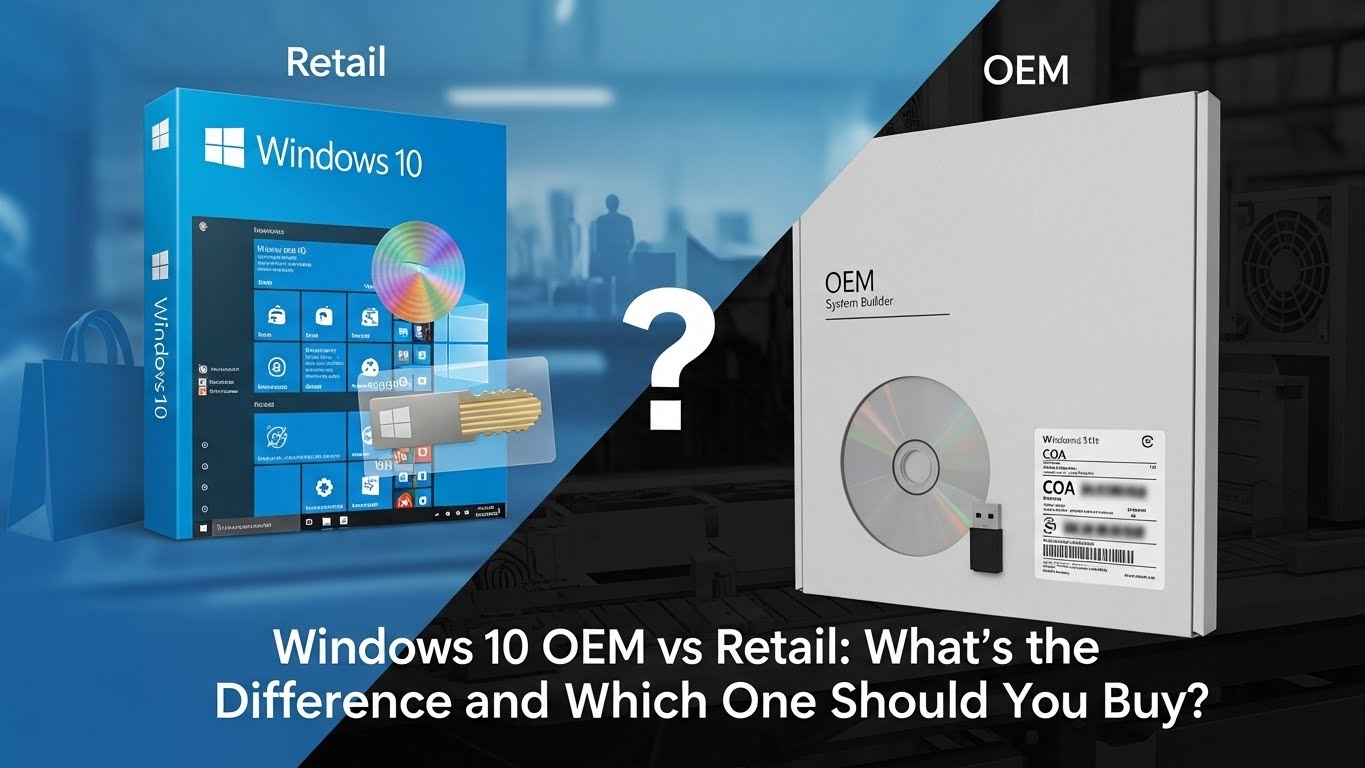
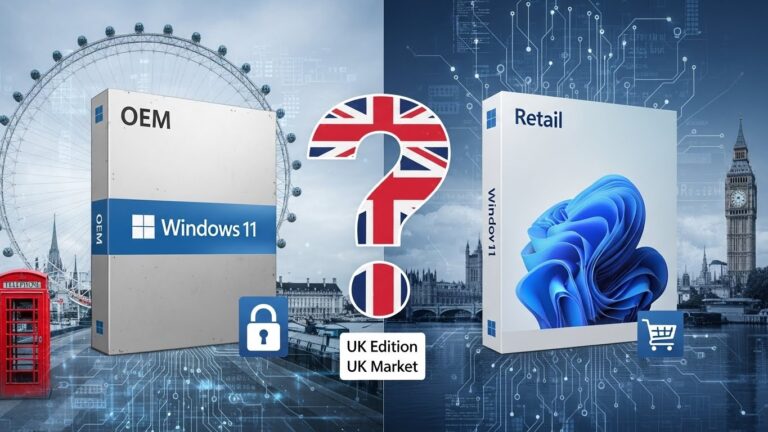
If you’re installing or upgrading Windows 10, one of the first decisions you’ll face is whether to buy an OEM licence or a Retail licence. Both versions activate the exact same Windows 10 operating system — but they differ in price, flexibility, transferability, and support.
This guide explains the real differences between Windows 10 OEM vs Retail, what each licence includes, which one is best for different users, and how to pick the right option for your PC in the UK.
What Is a Windows 10 OEM Licence?
A Windows 10 OEM licence (Original Equipment Manufacturer) is a type of licence typically pre-installed on new PCs and laptops. It’s the cheaper version of Windows because it comes with specific restrictions.
How OEM Activation Works
- OEM licences activate Windows and bind permanently to the first computer’s motherboard.
- Once activated, the licence cannot legally be moved to a different PC.
- If the motherboard is replaced, Windows usually deactivates unless the replacement is an identical warranty repair.
Hardware Restrictions (Motherboard Binding)
OEM licences are linked to hardware. You cannot transfer the product key to another device or to a new build. Even if you sign in with the same Microsoft account, the licence remains tied to the original motherboard.
Who OEM Licences Are Designed For
OEM Windows is best for:
- PC manufacturers (Dell, HP, Lenovo, etc.)
- PC builders assembling a single machine
- Budget users who don’t plan major upgrades
If you’re building a PC and don’t expect to change key components later, OEM can be a very affordable choice.
What Is a Windows 10 Retail Licence?
A Windows 10 Retail licence is the full version of Windows sold directly by Microsoft or authorised retailers. It costs more, but it offers the most flexibility.
Transferability and Activation Rules
- A Retail key can be transferred to a new PC at any time.
- You can change hardware, including the motherboard, without losing your licence.
- You can even deactivate Windows on one device and then activate it on another.
Support and Upgrade Flexibility
Retail licences include:
- Direct Microsoft support
- Easier reinstallation
- Better compatibility with future upgrades
If you plan to upgrade your PC over time, a Retail licence is the safer long-term investment.
Why Retail Costs More
The higher cost reflects:
- Transfer rights
- Microsoft support
- No manufacturer restrictions
Windows 10 OEM vs Retail: Key Differences at a Glance
| Feature | OEM Licence | Retail Licence |
| Price | Cheaper | More expensive |
| Transfer to new PC | ❌ No | ✔️ Yes |
| Change motherboard | Usually ❌ No | ✔️ Yes |
| Microsoft support | ❌ Not included | ✔️ Included |
| Activation | Hardware-bound | Account-bound |
| Installed on | Pre-built or single custom PC | Any compatible PC |
| Legal for end users? | ✔️ Yes, if purchased from reputable sellers | ✔️ Yes |
Is There Any Performance Difference Between OEM and Retail?
No.
Windows 10 OEM and Retail versions are identical in performance, features, updates, and security. Both receive:
- Monthly updates
- Driver support
- Feature upgrades
- Full Windows functionality
The only differences are licensing rights, not performance or features.
OEM vs Retail When Changing Hardware
What Happens if You Change the Motherboard?
- OEM: Windows usually becomes unlicensed.
- Retail: Windows normally reactivates automatically with your Microsoft account.
Using the Activation Troubleshooter
If you upgrade hardware, you can use the built-in Activation Troubleshooter to reactivate Retail licences easily.
When an OEM Key Might Still Transfer (rare cases)
The only exception for OEM transfer is:
- A warranty replacement motherboard from the same manufacturer.
Even then, activation sometimes requires manual support.
OEM vs Retail for Windows 10 Home and Pro
Is OEM Pro different from Retail Pro?
No. Both versions include:
- BitLocker
- Remote Desktop
- Hyper-V
- Group policies
The licence type does not change the OS features.
UK Pricing Trends (Approximate)
(No exact numbers to avoid volatility)
- OEM licences are often much cheaper from system builders or authorised third-party resellers.
- Retail licences from Microsoft or major UK retailers cost significantly more.
Is Buying OEM Product Keys Safe and Legal in the UK?
UK Legality
It is legal to use an OEM licence if:
- It is supplied by a legitimate, reputable seller
- It is not a counterfeit or volume licence misuse
- It complies with Microsoft’s terms (non-transferable, hardware-bound)
Avoiding Grey-Market Licences
Be cautious with:
- Extremely cheap keys on auction sites
- Keys marked “not for resale”
- Keys labelled as “volume”, “enterprise”, or “MAK”
These may activate initially but can later fail validation.
Stick to reputable PC-focused retailers.
Which One Should You Choose? (Decision Guide)
Choose OEM if…
- You want the cheapest official Windows licence
- You’re building a PC and won’t change the motherboard
- You don’t need Microsoft support
- You prefer a one-time setup with no future transfers
Choose Retail if…
- You upgrade or rebuild PCs often
- You want to move Windows to new hardware in the future
- You want Microsoft support
- You prefer long-term flexibility
- You build or repair PCs professionally
Retail is more expensive, but the ability to transfer the licence often makes it better value over several PC upgrades.
People Also Ask (FAQs)
Can I transfer a Windows 10 OEM licence to another PC?
No. OEM licences are tied to the first PC’s motherboard.
Does a Windows 10 OEM key work forever?
Yes — as long as it remains on the same hardware.
Do OEM and Retail get the same updates?
Yes. Both receive identical feature and security updates.
Can I upgrade OEM Windows 10 to Windows 11?
Yes, as long as the PC meets Windows 11 hardware requirements.
Is it legal to buy OEM keys online?
Yes, if purchased from legitimate sellers and not grey-market resellers.
What’s the difference between OEM and Retail Windows 10 Pro?
Only the licence rights differ — not the Windows features.
Final Verdict
Both Windows 10 OEM and Retail licences give you the same powerful operating system — but they serve different needs.
Choose OEM if you want the lowest cost and plan to keep the same PC long-term.
Choose Retail if you want maximum flexibility, the ability to transfer your licence, and easier future upgrades.
If you’re building or upgrading PCs regularly, Retail offers better long-term value. If you’re equipping a single machine on a budget, OEM is perfectly suitable.