Skip to content

Activating Windows 10 ensures your system is genuine, secure and able to access all features. Whether you’re installing Windows on a new device, upgrading from an older version, or reactivating after a hardware change, this guide walks you through every method — including product keys, digital licences, and activation troubleshooting.
What Windows 10 Activation Means
Activation confirms that your copy of Windows is legally licensed. Without activation, you may see a watermark (“Activate Windows”), be unable to personalise your desktop, and miss important feature updates.
Windows 10 can be activated in two official ways:
What Is a Windows 10 Digital Licence?
A digital licence (digital entitlement) activates Windows automatically without needing a product key. You might have one if:
- Your device came with Windows 10 preinstalled (OEM licence)
- You upgraded for free from Windows 7 or 8
- You bought Windows 10 from the Microsoft Store
- Your licence is linked to a Microsoft account
- You previously activated Windows on this device
A digital licence is usually bound to your device hardware and/or your Microsoft account.
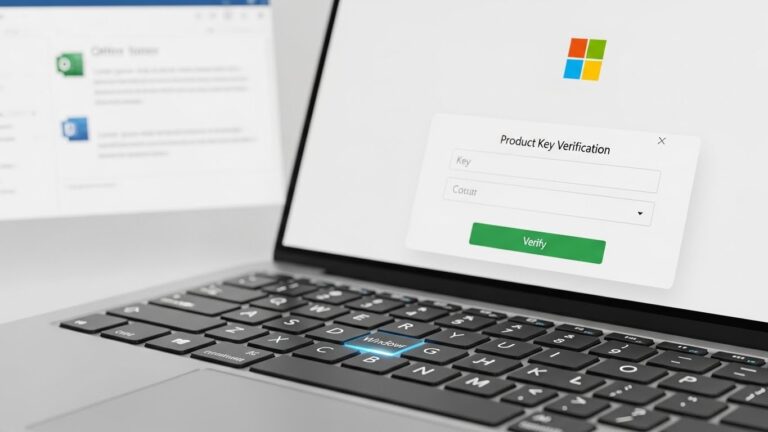
What Is a Windows 10 Product Key?
A product key is a 25-character code used to activate Windows (example: XXXXX-XXXXX-XXXXX-XXXXX-XXXXX). You may get it if:
- You purchased a retail copy of Windows 10
- Your laptop/PC has a Windows sticker
- Your organisation or school issued you a licence
- You purchased a digital key from an authorised retailer
How to Check if Windows 10 Is Already Activated
- Open Settings
- Go to Update & Security
- Select Activation
You will see one of the following messages:
- “Windows is activated” – fully activated
- “Windows is activated with a digital licence” – linked to device
- “Windows is activated with a digital licence linked to your Microsoft account” – ideal for future hardware changes
- “Windows is not activated” – activation required
How to Activate Windows 10 With a Product Key
If you have a 25-digit Windows key, follow these steps:
- Open Settings
- Select Update & Security
- Click Activation
- Choose Change product key
- Enter your 25-digit key
- Click Next and allow Windows to activate online
If You Bought Windows Digitally (Microsoft Store)
Your key is found in:
- Microsoft Store order details
- Confirmation email
- Your Microsoft account > Order history
If You Bought a Physical (Retail) Copy
Check:
- Retail card inside the box
- USB packaging
- Label under the scratch-off area
If Your PC Came with Windows Preinstalled (OEM Key)
Your product key may be:
- Embedded in your motherboard (automatic detection)
- Printed on the device or packaging
Windows usually activates automatically on first boot.
How to Activate Windows 10 Using a Digital Licence
If Windows detects a digital licence associated with your hardware or account:
- Connect your device to the internet
- Go to Settings → Update & Security → Activation
- Windows should activate automatically
This works if:
- You upgraded from a genuine Windows 7/8
- You bought Windows via the Microsoft Store
- Your device has Windows preinstalled
- Your licence is linked to your Microsoft account
How to Reactivate Windows 10 After a Hardware Change
Replacing your motherboard is the most common cause of lost activation.
To prepare for future changes:
Link Your Licence to Your Microsoft Account
- Go to Settings → Update & Security → Activation
- Under “Windows is activated with a digital licence”, confirm it says linked to your Microsoft account
- Sign in with your Microsoft account if needed
Reactivating After a Hardware Change
- Go to Settings → Update & Security → Activation
- Click Troubleshoot
- Select I changed hardware on this device recently
- Sign in to your Microsoft account
- Select your device from the list
- Choose This is the device I’m using right now
- Click Activate
Other Activation Methods (Phone Activation)
If online activation fails:
- Press Windows key + R
- Type: slui 4
- Choose United Kingdom
- Call the free activation number
- Follow the automated instructions
This method is still supported for certain licence types.
How to Fix Common Windows 10 Activation Errors
Here are the most frequent error codes and solutions:
0xC004C003 – Key already used
- Key used on another device
- Check purchase source
- Use phone activation if valid
0xC004F034 – Invalid key
- Mistyped key
- Wrong Windows edition (Home vs Pro mismatch)
0x803FA067 – Hardware mismatch
- Use activation troubleshooter
0xC004C008 – Key overused
- Retail key used too many times
- Contact Microsoft support
0x8007232B – DNS name does not exist
- Often occurs on enterprise editions
- Switch to retail activation method
Quick Troubleshooting Checklist
- Verify Home/Pro edition matches the key
- Check internet connection
- Sign in with your Microsoft account
- Use Activation Troubleshooter
- Confirm the key is genuine and unused
Where to Buy Genuine Windows 10 Licences (UK)
To ensure your licence is valid and supported:
Official Sources
- Microsoft Store (recommended)
- Amazon UK (only from authorised sellers)
- Currys PC World
- Argos
Avoid
- Extremely cheap third-party keys
- Unofficial software resellers
- “Lifetime keys” at unrealistically low prices
These often lead to activation failures.
Frequently Asked Questions
How do I activate Windows 10 without a product key?
If you have a digital licence, Windows activates automatically.
Is Windows 10 activation still available in 2025+?
Yes. Microsoft still supports Windows 10 activation.
Can you activate Windows 10 for free?
Only if:
- You upgraded from a genuine Windows 7/8
- You have a device with a digital licence
Otherwise, you must buy a genuine key.
How do I find my product key?
Try:
- Microsoft Store account
- Retail box
- Sticker on the device
Command prompt:
wmic path SoftwareLicensingService get OA3xOriginalProductKey
What happens if Windows 10 is not activated?
- You get a watermark
- No personalisation options
- Limited access to updates
Can I transfer a Windows 10 licence to another PC?
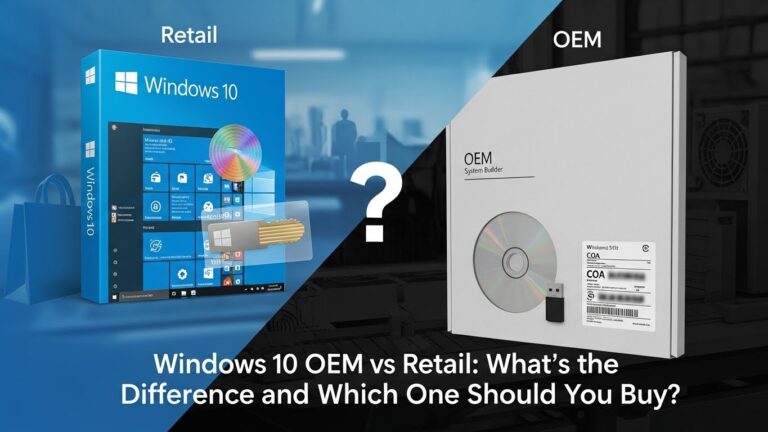
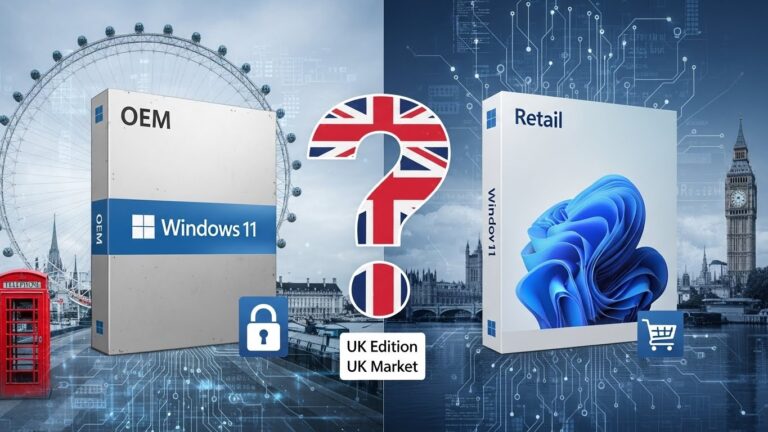
Retail licences = Yes
OEM licences = No
Why is my Windows 10 not activating after reset?
You may need to sign in with your Microsoft account or re-enter your key.
Final Thoughts
Activating Windows 10 is usually simple — either with a digital licence or a product key. This guide covers all methods, from new installations to hardware-change reactivations and troubleshooting. Follow the steps based on your licence type, and your system should activate quickly and reliably.