



Microsoft Office 2024 Professional Plus: Full Features, Benefits, and Why It Is the Best One Time Office Suite in 2025

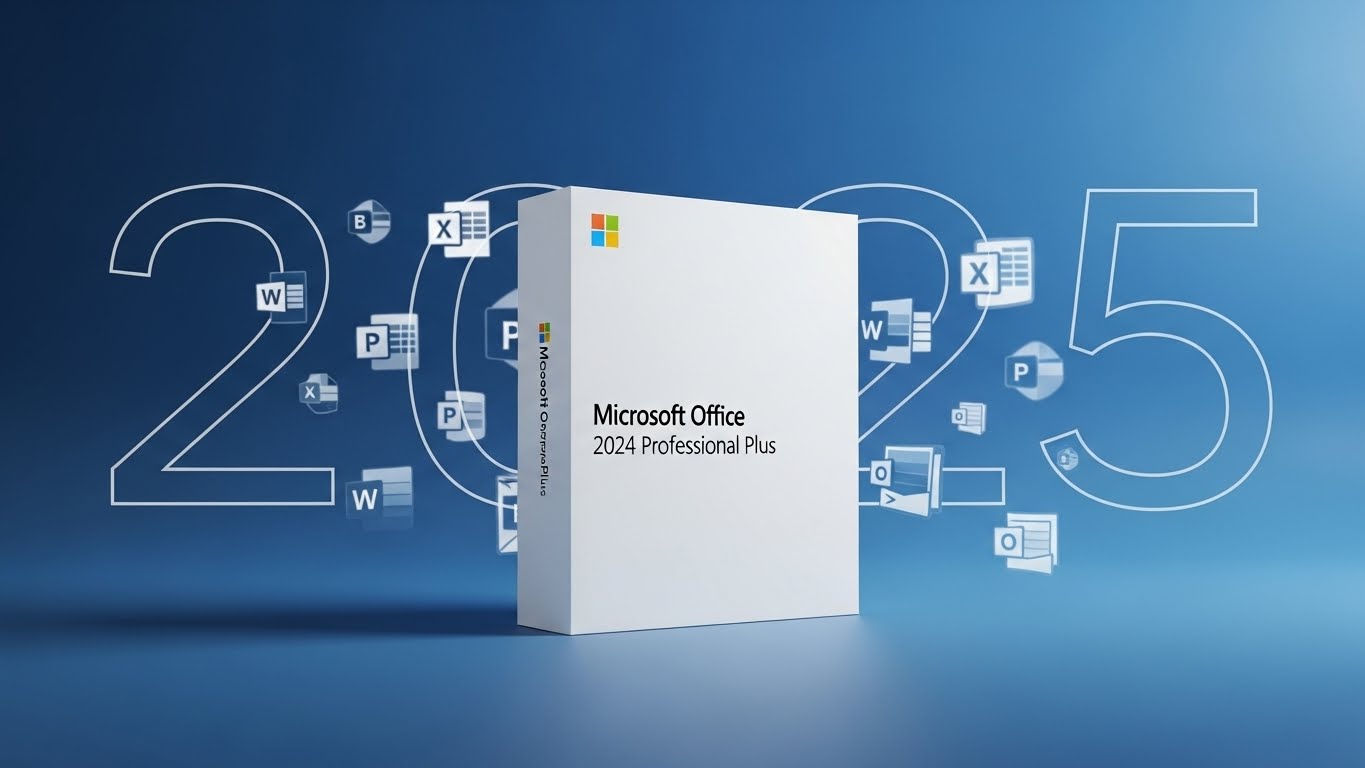
Microsoft Office 2024 Professional Plus, often called Office 2024 Pro Plus, is the most complete one time purchase version of Office you can get if you are on Windows. If you want the trusted desktop apps, serious business tools, and a single upfront payment instead of a subscription, this is Microsoft’s top tier perpetual suite.
But what do you actually get, what is new compared to Office 2021, and who is it really for? Here is a clear, practical guide to the full feature set, the real world benefits, and the types of users who get the most value from Office 2024 Professional Plus in 2025.
What Is Office 2024 Professional Plus
Office 2024 Professional Plus is a buy once, use for years Office edition built mainly for businesses, power users, schools, and organizations that prefer stable desktop software over constant feature changes. Microsoft positions this edition alongside Office LTSC 2024 for long term deployments. That means you get a modern 2024 feature baseline plus security and reliability updates through the support lifecycle, but not a steady stream of new features every few months.
This is ideal for people and teams who want consistency, predictable costs, and local performance without being tied to a subscription.
Core Apps Included
Office 2024 Pro Plus includes the essential productivity lineup most people expect, plus a key extra for business users:
- Word 2024
- Excel 2024
- PowerPoint 2024
- Outlook 2024
- OneNote desktop
- Access 2024 (Windows only and a major Pro Plus differentiator)
Important note: Microsoft has streamlined older apps in recent years, and Publisher is no longer guaranteed across Office 2024 editions. If Publisher is essential for your work, confirm your exact product SKU before buying.
What Is New in Office 2024 Pro Plus
Office 2024 Pro Plus is not just a cosmetic refresh. It is a practical upgrade aimed at performance, reliability, accessibility, and smoother day to day workflows.
1. A Modern Windows 11 Aligned Design
Office 2024 introduces a cleaner, more consistent interface across apps. You will see refreshed icons, improved spacing, and a unified look that matches Windows 11. Moving between Word, Excel, and PowerPoint feels more seamless, with fewer visual bumps and layout changes.
The real benefit is simple: less friction and a more comfortable experience if you work across multiple apps daily.
2. Excel 2024 Smarter Functions and Better Performance
Excel is where the biggest jump happens. Microsoft has added new functions and improved how Excel handles complex data models. Large arrays and text heavy transformations are smoother, and big workbooks feel more responsive.
Why this matters: if you build dashboards, financial models, inventory trackers, or analytics reports, these updates reduce manual steps and speed up insight work. You spend less time waiting and more time deciding.
3. Word 2024 Stronger Recovery and Accessibility
Word 2024 focuses on reliability and inclusivity. Session recovery is improved, so if Word crashes or your computer restarts unexpectedly, you have a better chance of getting your work back quickly. Accessibility checks are smarter too, guiding you toward clearer and more compliant documents.
Real benefit: fewer lost drafts, faster clean up, and documents that work better for diverse audiences.
4. PowerPoint 2024 Easier Slide Building
PowerPoint 2024 upgrades are about polish without pain. Media handling is improved and formatting tools are more consistent so presentations stay clean with less tweaking.
If you make sales decks, training materials, or class slides often, these small workflow improvements can save hours over time.
5. Outlook 2024 Faster Search and Better Mail Flow
Outlook keeps evolving into a smoother email and calendar hub. In the 2024 suite, Microsoft emphasizes stability and faster search, especially for large inboxes and enterprise accounts.
That means less lag when hunting for old conversations and fewer slowdowns when your mailbox is massive.
6. Access 2024 Pro Plus Business Edge
Access remains a Pro Plus exclusive tool and still matters for many business and admin workflows. Access 2024 brings new capabilities plus stability improvements for building internal systems, client trackers, and reporting tools.
If you manage structured data but do not want to invest in a full SQL server setup, Access is a powerful middle ground.
7. Stronger Accessibility Across the Suite
Microsoft upgraded accessibility features across Office 2024. Expect better screen reader support, improved contrast handling, and more proactive guidance inside Word, Excel, and PowerPoint.
For teams and schools that need to meet accessibility standards, this is a meaningful upgrade that reduces extra work later.
Office 2024 Pro Plus vs Microsoft 365
Here is the key difference in plain terms.
Office 2024 Pro Plus is a perpetual license. You pay once and keep the suite with its 2024 baseline features.
Microsoft 365 is a subscription. You pay monthly or yearly and get continuous feature updates, deeper AI tools, and bundled cloud services.
With Office 2024 Pro Plus you get
- one time purchase, no monthly fees
- desktop apps with a fixed 2024 feature set
- security and reliability updates through the support lifecycle
With Microsoft 365 you get
- ongoing feature drops
- deeper AI integration like Copilot across apps
- cloud storage bundles and multi device licensing
Bottom line: if you want predictable costs and stable desktop tools, Office 2024 Pro Plus is the better fit. If you want the newest features and strongest built in AI, Microsoft 365 is your lane.
The Biggest Benefits of Office 2024 Professional Plus
1. Pay Once, Use for Years
A perpetual license means no recurring subscription bills. Over three to five years, many individuals and small businesses spend less than they would on Microsoft 365.
2. Full Desktop Power and Offline Reliability
Pro Plus is built for desktop speed and offline use. You can work without internet access and sync later if needed. That is especially useful for secure workplaces, travel, and low connectivity environments.
3. Best for Business Workflows
Between Excel’s performance upgrades, Outlook refinements, and Access being included, Office 2024 Pro Plus supports real operational work. That includes reporting, database driven tasks, high volume document production, and enterprise grade email management.
4. Stable Features for IT and Teams
Many organizations do not want frequent UI shifts or feature changes. Office 2024 Pro Plus gives teams a consistent baseline which reduces retraining and compatibility headaches.
5. Modern Compatibility
Office 2024 aligns tightly with Windows 11 and modern file standards. Even if you are not chasing the latest features, you avoid falling behind on formats and compatibility.
System Requirements
Office 2024 is optimized for current hardware. It runs best on Windows 10 or Windows 11 64 bit systems with solid RAM and SSD storage. Older PCs may still run it, but Office 2021 can feel lighter on low spec machines.
If your computer is recent, Office 2024 Pro Plus should feel fast and smooth. If you are on older hardware, consider whether Office 2021 fits your system better.
Who Should Buy Office 2024 Pro Plus
Best fit for
- professionals and power users who live in Excel, Word, and Outlook
- small and mid size businesses that want predictable software costs
- IT departments that prefer stable long term versions
- students and researchers who need robust offline apps
- operations and admin teams relying on Access databases
Maybe not ideal for
- users who want Copilot AI everywhere
- teams that need ongoing feature innovation
- households needing one license across many devices
Those users usually get more value from Microsoft 365